A name design starts with your name
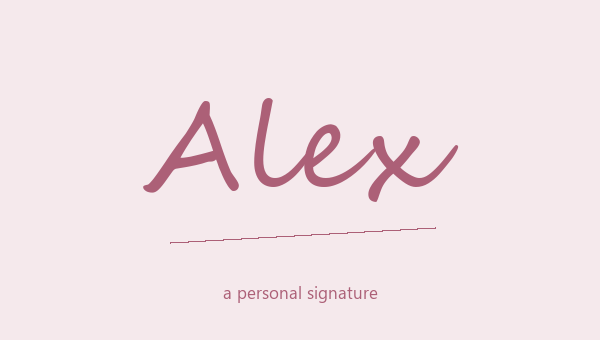
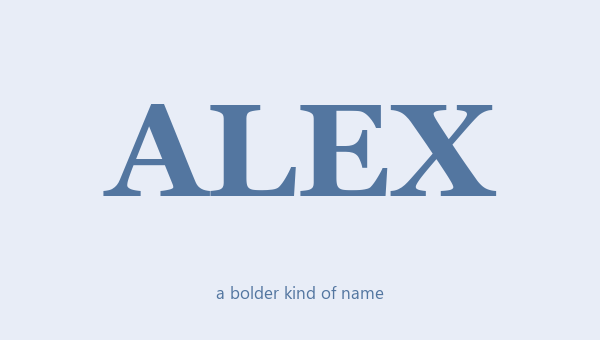
Your name is already personal. A name style changes how it looks, and you don't need to think of a new name. This name design generator styles the text you type. It doesn't make up a new nickname. Flowing script can look like a signature. Bold letters help a short name stand out. A small symbol adds a finishing touch. Stylish names work best when people can still read the spelling. Use this free name style generator to try script, bold, gothic and symbol designs with your own name.
Letters first, decoration second
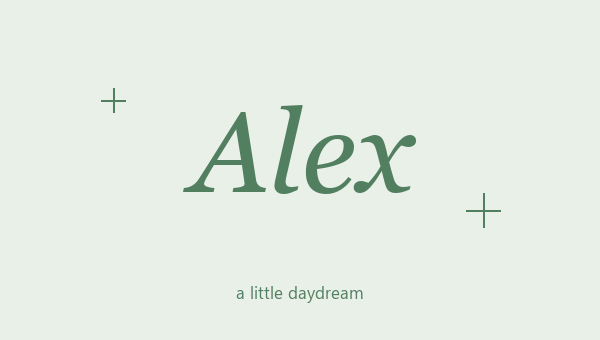
Start by looking at the letters alone. Cursive looks handwritten, bold looks heavier, italic leans to the side, and boxed letters put each letter inside a shape. Once you find letters that are easy to read, try a heart, a star or a simple frame. A name in one matching style is easier to read than one that mixes lots of styles. For a long name, fewer symbols also mean less scrolling and fewer characters to fit into a small box.
Copyable text, not an image
These name designs are text made from special Unicode characters. When you copy one, you copy those characters, not a screenshot or a font file. So you can usually edit the pasted text, remove a symbol, or mix it with normal letters. It also means the app you paste into decides the final look. A text message, a game and a profile page may each show the same characters a little differently.
Name styles for games and social media
Think about how much space your name has. A small game screen and a long profile bio need different amounts of detail. For Free Fire or PUBG nickname ideas, a short, clear name is easier to read when space is tight. An Instagram bio may have room for a bigger frame. These are ideas to try, and we can't promise every app will accept them. Check the exact place you want to use your name. An app may allow fancy text in a caption but block it in a username.
Keep a normal version of your name
Fancy letters look cool, but they are harder to read than normal letters. Search may not find them, and screen readers may read them out strangely. Keep a plain version of your name and important details somewhere easy to reach. If your styled name is hard to say, has missing letters or gets confusing at a small size, make it simpler. The decoration should help your name, not hide it.
Build a small collection of favorites
You don't have to use one style everywhere. Save a clean everyday version, a fun version and a fancier signature. Paste your favorites into a draft bio to see them next to your profile text. A design that looks nice with a short example may feel crowded with a longer name. Your saved designs live in this browser only, so copy anything important to your notes before you clear your browser data.
Capital letters can change the whole look
Try a capital first letter, all capitals and all lowercase in the same design. Script styles have big, curly capitals. The boxed styles here turn every letter into a boxed capital. Small-cap styles work another way: lowercase letters become small capitals, but capital letters stay as they are. So changing capitals can change the result as much as changing the frame. Type your name the way you really want to keep it, especially if it has initials or more than one word.
Name design copy and paste: choose the complete result
For a name design you can copy and paste, start with the exact spelling you want. Pick plain script, bold letters or a frame around your name, then copy the whole result from its card. The letters, spaces and symbols are copied together. The card color and preview size are not. Paste your styled name into a draft bio or nickname box to see how it looks there. Save your favorite name styles, then try another name. Each saved design keeps its own name and decoration, so you can look back at several nicknames without losing the ones you liked. If an app rejects your first choice, pick a simpler one.
Name designs for Free Fire, PUBG, and Instagram
A royal Free Fire nickname, a matching PUBG clan tag and an Instagram signature each give your name design a clear job. For a game nickname, start with a short name your teammates know, then add a pair of stars, a clan frame or bold letters. For an Instagram display name, try a cursive signature with a small heart. In a bio, style one name line and keep the rest in normal text. The Free Fire page has crowns and short prefixes. The PUBG page lets you edit your clan tag. The Instagram page has letters made for profiles. Copy a finished nickname from the examples, or type your own name for a custom result. Check the name box before you save a change, and keep your normal spelling for everyday use.
Change one thing at a time
When two designs have different letters, spacing and symbols, it's hard to tell which part you like. Start with two plain letter styles and keep the one that reads better. Then try different frames. For example, a plain name with an outline heart is a different choice from bold script with sparkles. Trying a few designs with your own name tells you more than scrolling through dozens of random examples. It also makes it easier to simplify your name later. Before you decide, put your favorite next to normal text and ask if it fits a name box, a heading or a short signature.